

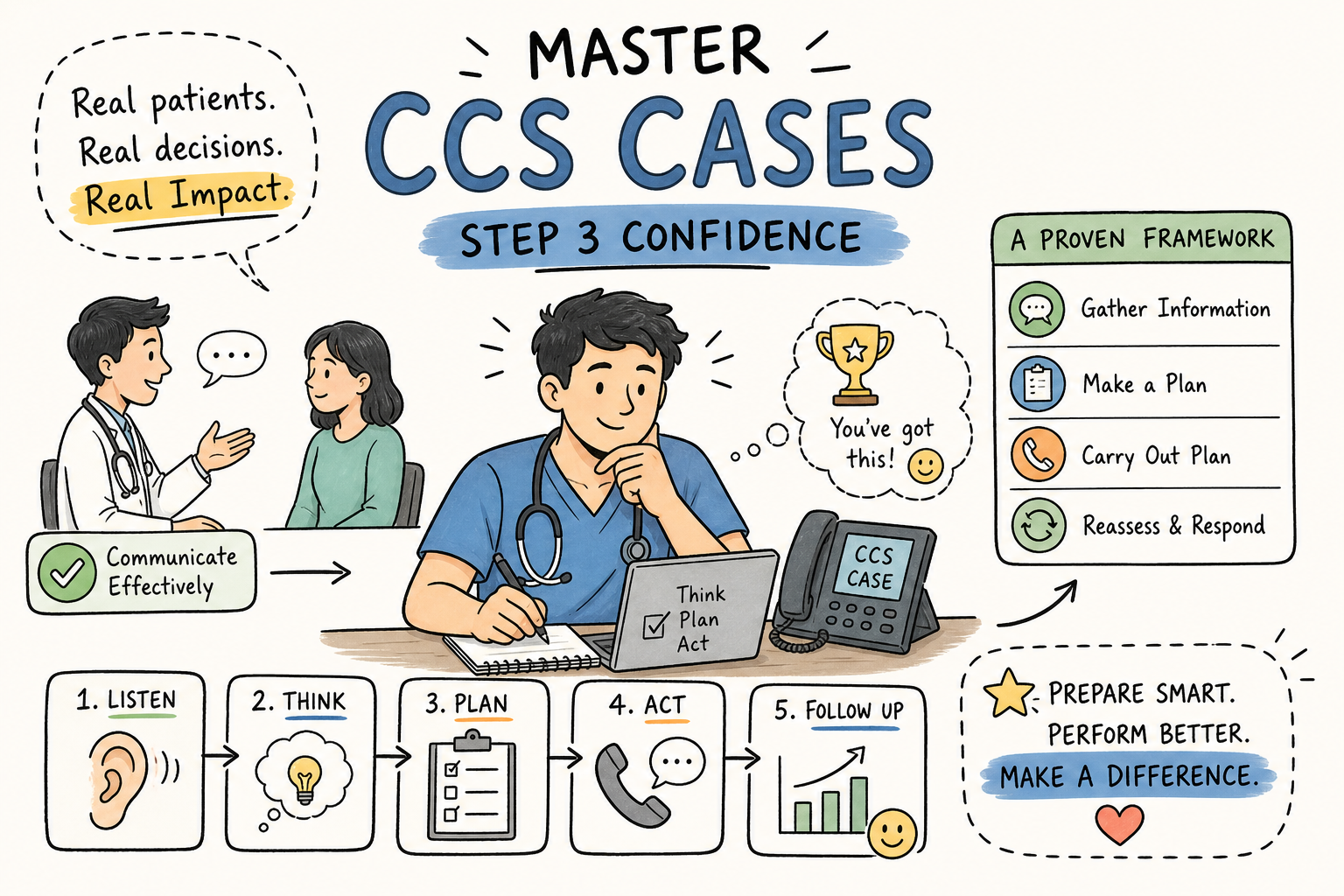
In the United States Medical Licensing Examination (USMLE) Step 3, computer-based case simulations (CCS) give credit for indicated actions, and their timing and order count. Correct-looking decisions made late in simulated time, or in the wrong order, may get no credit. Unnecessary or risky orders lower your score. USMLE does not publish how much CCS counts toward the total score.
Written by Derek Nicolas, medical student. Facts checked against usmle.org (CCS overview, Step 3 Exam Content, Common Questions and the Bulletin of Information) on 12 November 2026.
| Question | Official answer |
|---|---|
| When is CCS? | Day 2, called Advanced Clinical Medicine (ACM). Day 2 also has 180 multiple-choice questions. Step 3 Exam Content |
| How many cases? | 13 to 14. Step 3 Exam Content |
| Real time per case | A maximum of 10 or 20 minutes, shown before each case. Unused time is not added to other cases. Step 3 Exam Content, Common Questions |
| Simulated time per case | From a few minutes to weeks or months. You are not told in advance. CCS overview, Common Questions |
| Tutorial on test day | An optional 6-minute CCS tutorial. No practice cases at the test center. Step 3 Exam Content, CCS overview |
| What is judged? | Diagnosis (including examination and tests), therapy, monitoring, timing, sequencing and location. CCS overview |
| How much does CCS count? | No exact figure is published. Its share of the score is no greater than its share of testing time. Bulletin: Scoring |
| Free official practice | Six practice cases with case feedback, plus a CCS tutorial. Common Questions, CCS overview |
| Step 3 passing score | 200, for exams on or after 1 January 2024. Examination Results and Scoring. See our Step 3 passing score guide. |
How are Step 3 CCS cases scored?
usmle.org’s CCS overview sets out these rules:
- Indicated actions earn credit, and their timing and sequence are part of your evaluation.
- Late or out-of-order actions may earn nothing. A correct-looking decision made in the wrong sequence, or after a delay in simulated time, may get no credit.
- Risky or unneeded orders cost points. Actions that are not indicated and carry more risk lower your score, and so do unnecessary, excessive orders. Cost, including where you manage the patient, is counted only in this indirect way.
- Some orders carry little weight. Counseling, diet and activity orders count for little unless they matter for the case, such as a specific diet for a patient with diabetes.
- Holding back can be right. An aggressive approach scores lower when restraint and observation are the standard of care.
- More than one approach can be correct. Care that follows widely accepted standards scores high.
CCS does not measure skills that need human interaction, such as history taking or giving emotional support.
How much does CCS count toward the Step 3 score?
USMLE does not publish an exact percentage. The Bulletin of Information says only two things. CCS performance will affect your Step 3 score and could affect whether you pass or fail. And its share of the score is no greater than its share of testing time. If a website gives an exact CCS percentage, that number is not from USMLE.
Is Step 3 CCS time real time or simulated time?
Both. Each case runs on two clocks (Common Questions, how-to video transcript):
- Real time is the actual minutes you have: up to 10 or 20 minutes per case. Part of it is kept for the case-ending steps. A case can end early, and leftover minutes do not move to the next case.
- Simulated time is time in the patient’s story. It moves only when you advance the clock, or when you ask for an interval history or physical examination, which move it automatically.
In usmle.org’s video, 11 minutes of real time can cover two weeks of simulated time. You decide how fast simulated time moves, based on how urgent the case is.
How do orders and the clock work in the CCS software?
The software is called Primum. These rules come from the CCS overview and Common Questions:
- Type orders only on the order sheet. After the first three letters, the software shows a list, and you confirm each order.
- Order drugs by generic or brand name. Class names such as “beta-blockers” are not accepted.
- You do not enter doses or rates. Drugs cannot be ordered “as needed” (prn): order a drug when it is needed and cancel it when it is not. IV fluids cannot be ordered as a one-time bolus.
- Monitoring is not automatic. Order a cardiac monitor and pulse oximetry yourself.
- Check the order sheet at the start. Current medicines stay active unless you cancel them.
- Nothing happens until you advance the clock with “Obtain Results or See Patient Later”. Each test shows a report time. Choosing “Call/See me as needed” does not mean the patient is monitored.
- You cannot undo. Once the clock moves, treatments start, and a test cannot be cancelled after you see its result.
- Consultants are usually not helpful, but a consult at the right time may add to your score.
How does a CCS case end?
A case ends when real time runs out, or earlier if you have shown your skills well enough. An early end does not mean you did well or badly. The Case-end Instructions screen then gives you a few minutes, if real time allows, to add or cancel orders. You can no longer order an examination or interval history, change location, schedule a follow-up, see pending results or advance the clock. Then select Exit Case (Common Questions).
So set the patient’s location and follow-up before the end screen. If you finish early, collect pending results, then advance the clock until the case ends.
What kinds of cases are on Step 3 CCS?
USMLE builds CCS forms from a blueprint based on presenting symptoms and presenting locations. It does not publish a list of “common” cases. This is what usmle.org says (CCS overview, Step 3 Exam Content):
- Locations: outpatient office, emergency department, inpatient unit, intensive care unit and the patient’s home.
- Presenting problems: include problems of the circulatory, digestive, renal/urinary, endocrine/metabolic, behavioral/emotional, respiratory and reproductive systems.
- Areas covered by CCS: immune; blood and lymphoreticular; behavioral health; nervous system and special senses; skin; musculoskeletal; cardiovascular; respiratory; gastrointestinal; renal and urinary; pregnancy and childbirth; female reproductive and breast; male reproductive; endocrine; multisystem; and nutrition. Biostatistics, social sciences and general foundational science are not marked for CCS.
- Tasks tested: diagnosis (history and examination, tests, diagnosis, prognosis) and management (prevention and health maintenance, pharmacotherapy, clinical interventions, mixed management, and watching for disease recurrence).
- Patients: any age, with acute or chronic problems, or coming for routine care.
You act as the primary care physician. Do not expect nurses or consultants to write orders for you.
Where can I practice CCS cases for free?
- Step 3 Interactive Testing Experience: six CCS practice cases with case-related feedback (Common Questions).
- New 2026 Test Software Experience, linked from usmle.org: a CCS tutorial and six cases, with feedback on usmle.org. The Step 3 Formats page says an updated practice version applies to exams from 10 March 2026.
- Feedback on the sample cases: examples of actions that add to, subtract from, or do not change the score.
usmle.org says the CCS practice software runs best in Chrome at 1920×1080, so it cannot be used on phones for now.
Paid CCS simulators
Companies such as CCSCases.com, StudyCCS and MDSteps sell CCS practice software. This guide does not rank them; compare case count, feedback, price and free trials. usmle.org publishes only examples of scored actions, so a paid tool’s score is that company’s own estimate.
What is a good strategy for each CCS case?
Use one routine for every case so you do not skip steps.
- Read the first screens and decide: is this patient unstable?
- If unstable, enter urgent orders before a full examination: IV access, cardiac monitor, pulse oximetry, oxygen if needed, and the first life-saving treatment. Examination requests move the clock, so a full examination first can delay treatment. Then examine the patient.
- Order the tests this patient needs. If you cannot say in one sentence why you are ordering something, do not order it.
- Treat, monitor, and move the patient to the right place.
- Advance the clock in steps that match the urgency: minutes in an emergency, days or weeks in an office follow-up. After each step, read the results, re-check the patient and adjust.
- Before the case ends, set follow-up, and add counseling or prevention orders when they matter for this patient.
Order-entry and timing mistakes to avoid
- Antibiotics before cultures. In usmle.org’s feedback on one practice case, not ordering a blood culture before empiric antibiotics lowers the score. Some students order the cultures, advance the clock a little, then order the antibiotic. usmle.org does not say how it times orders entered together.
- Ordering broad panels or many consults “to be safe”.
- Over-treating a patient who only needs observation.
- Forgetting monitoring, current medicines or follow-up.
How should I practice CCS in the weeks before Step 3?
A four-week plan. Change it to fit your schedule. Careful review matters more than the number of cases.
- Week 1, learn the software. Watch the official video. Run the CCS tutorial and the six official cases without a timer, and read usmle.org’s feedback. Add simulator cases for 8 to 10 in total.
- Week 2, urgent cases. Emergency department and intensive care cases with the timer on. Run 10 to 12 and review each one the same day.
- Week 3, office, ward and home cases. Chronic disease follow-up and health maintenance. Run 10 to 12 and work on the sequencing errors in your log.
- Week 4, Day 2 rehearsal. At least once, run 13 to 14 cases back to back with real time limits, ideally after a long multiple-choice session. Then run 8 to 10 more at full speed and review.
Review every practice case
After each case, write down in one log: orders you placed late or out of order, orders you missed, orders you did not need, clock steps that were too long or too short, and your location, follow-up and monitoring decisions. Look for the same error across several cases, and fix it before you add more cases.
Do not let CCS practice replace multiple-choice preparation: Step 3 has 232 questions on Day 1 and 180 on Day 2 (Step 3 Exam Content). For international medical graduates, see our ECFMG certificate guide for Step 3 eligibility.
Our revision notes: If you want one condensed resource for revision, our USMLE Step 3 High-Yield Notes are two paid PDF files written by the Recall Mastery team, with condensed, exam-focused notes. Use them alongside question practice and CCS practice, not instead of it.
Related guides
Recall Mastery is not affiliated with USMLE, NBME, FSMB or ECFMG.